Overview |
 Comments (0) |
 Ratings (1) |
 Download |

|
||||||||||||||||||||
|
Search
Software
Advertisements!
Free-downloads
|
Options for IconEdit2
Advertisement
IconEdit2
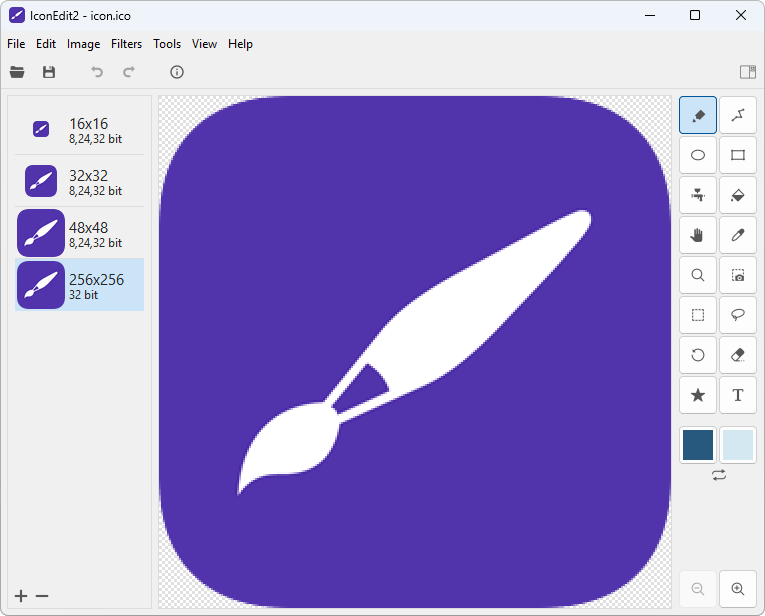
 Create and edit icon files with easy-to-use TrueColor Icon Editor. IconEdit2 has full support for semi-transparency and multi-image icon files. Easily manage color depths and sizes - up to 256x256 pixels. Open/Save ICO, Import/Export GIF, TIFF, BMP, JPEG or PNG image files. Allows to paint, undo/redo, search for icons in your files and capture screen areas. Can save your work as multi-image ICO, including into single file: TrueColor with Alpha channel (32 bit), Truecolor (24 bit), 256-color (8 bit) and 16 color (4 bit) images of several sizes. Allows you to paint, undo/redo, search for icons in your files and capture screen areas. On-click PNG export to iOS and Android.
Advertisement
|
|||||||||||||||||||